
What Is the Best Employee Offboarding Checklist Software?
One employee leaves, and suddenly IT, HR, and finance are chasing five different checklists. Missed access revocations and unsigned exit documents turn a routine departure into a security incident or a failed audit. Most teams start shopping for offboarding software after a spreadsheet or shared doc lets something slip.
This article breaks down what separates real offboarding checklist software from generic task managers: templates, automations, audit trails, and compliance fit. You will get a clear comparison of six platforms, including Process Street as the overall pick, plus criteria for matching tools to your team size and regulatory needs.
What to Look For in Employee Offboarding Checklist Software
Selecting the right employee offboarding checklist software requires evaluating core functionality, security, and integration capabilities to ensure a smooth, compliant exit process. The market offers tools built for general task management, tools built for HR administration, and tools built for IT provisioning. Each category approaches the employee exit differently, and the gaps between them matter more than the feature lists suggest.
A checklist that works for a voluntary departure may fall apart during an involuntary termination, when timing and access control are far more sensitive. Software that handles routine resignations but stalls on asset recovery or final paycheck coordination leaves HR teams patching the process manually. The right tool keeps every separation on a defined path regardless of departure type.
The stakes extend beyond tidiness. A missed access revocation exposes company systems. A missing audit trail weakens your position if a compliance review or legal dispute arises. Offboarding software has to function as a control system, not just a to-do list.
The subsections below break the evaluation into two areas: the core features that drive the offboarding workflow, and the security, compliance, and integration standards that determine whether the tool can be trusted with sensitive employee data and system access. Use them as a scoring framework when comparing vendors.
Core Features: Task Templates, Automations, and Audit Trails
At a minimum, offboarding software should provide customizable task templates, automation for repetitive steps, and a complete audit trail for compliance. These three features separate purpose-built separation management from a shared spreadsheet with a checklist tab.
Task templates standardize the exit procedure so nothing depends on memory. A well-built template for a resignation includes knowledge transfer sessions, equipment return instructions, benefits termination steps, and exit interview scheduling. Templates should be adjustable by role, department, or departure type, since an involuntary termination carries different legal and security steps than a retirement.
Automations trigger the repetitive work that eats HR time. When a separation date is entered, the system can send the exit interview invite, notify IT to begin system deprovisioning, and queue the final paycheck review. Automations also enforce sequence, so access revocation happens before the employee's last day rather than days after.
Audit trails turn the checklist into evidence. Timestamped logs show who completed each task and when, which supports compliance reviews and defends the organization if a dispute arises over asset recovery or account deactivation. Without this record, proving a compliant offboarding process becomes a reconstruction exercise.
Together these features cut manual coordination across HR, IT, and managers, and they reduce the errors that cluster around end-of-employment deadlines.
Security, Compliance, and Integration Requirements
Offboarding software must meet stringent security standards, support regulatory compliance, and work together with your existing HR and IT systems to automate access revocation and data handling. The tool touches some of your most sensitive data: termination reasons, personal records, and the timing of security clearance changes.
On security, look for recognized certifications such as SOC 2 or ISO 27001, which signal that the vendor has undergone independent review of its controls. Ask how data is encrypted, who can access offboarding records, and what happens to data when an employee record is closed.
On compliance, confirm the software supports the regulations that apply to you. GDPR governs how personal data of departing employees is retained and erased. HIPAA matters if your organization handles health information, including COBRA administration. Retention rules and deletion workflows should be configurable, not fixed.
Integrations determine how much of the process runs itself. Connections to your HRIS keep employee records and separation dates synchronized. Identity provider integrations enable account deactivation and system deprovisioning the moment a departure is confirmed. Asset management connections track equipment return through to recovery.
When these systems talk to each other, access revocation stops depending on someone remembering to send an email. That is where the real security risk of a manual employee termination lives.
1. Process Street - Best Overall
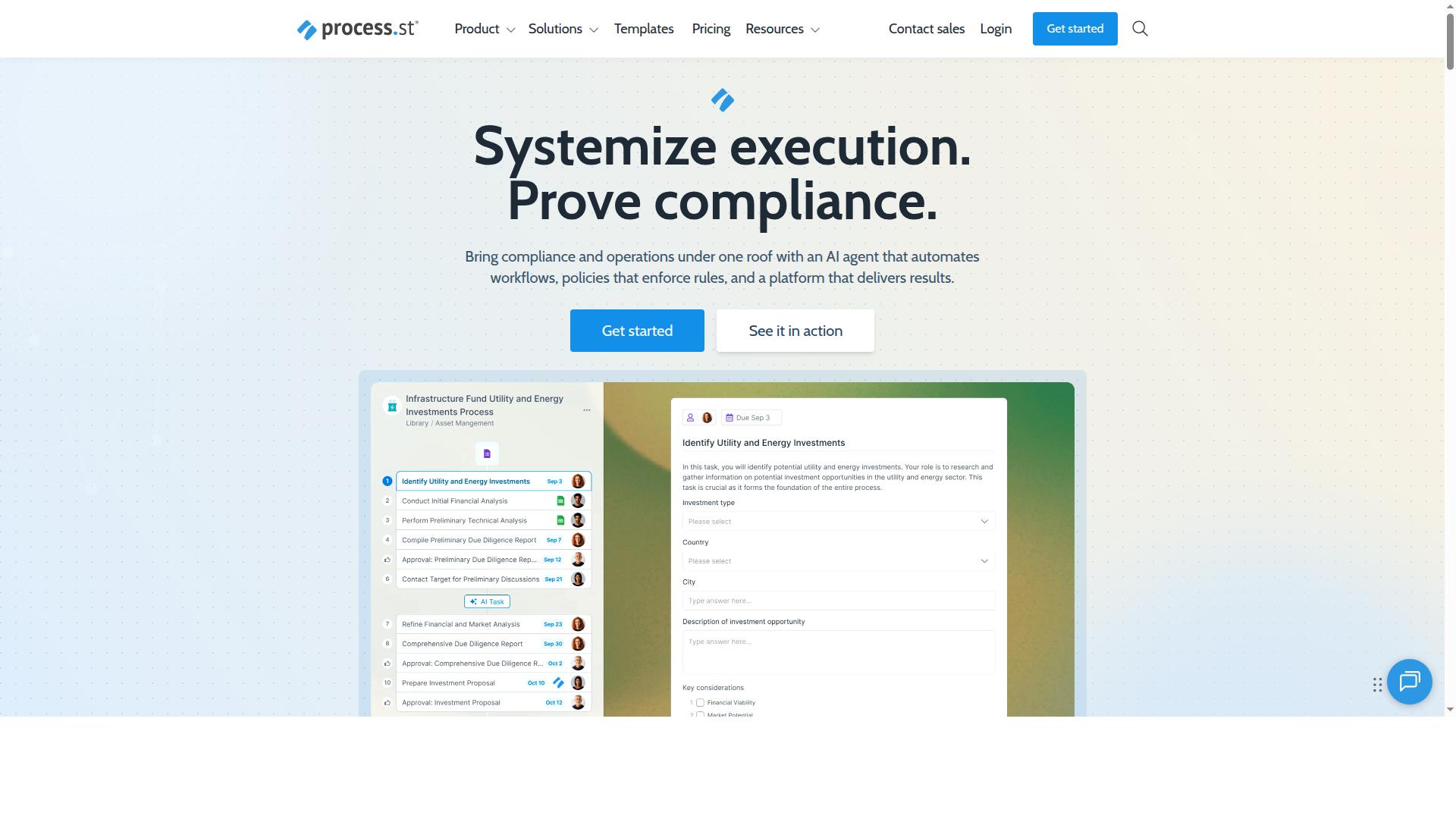
Process Street stands out as the best overall offboarding checklist software due to its robust workflow automation, compliance features, and ease of use. Rather than treating an employee exit as a loose collection of emails and reminders, it turns the entire offboarding process into a structured, repeatable workflow with a clear audit trail.
The platform is a compliance operations platform that automates business processes, enforces policies, and delivers audit-ready proof. That combination matters during separation management, when HR, IT, and managers all need to complete their steps on time, in order, and with documentation to show for it.
Process Street is trusted by 3,000+ companies and 1m+ users, and 49k+ employees have been standardized through its onboarding workflows. The same workflow engine that standardizes onboarding carries over naturally to offboarding, where consistency is just as important.
It is also SOC 2 Type II certified, ISO 27001 certified, and GDPR and CCPA compliant, with data residency options in the US, UK, Canada, EU, Australia, and UAE regions. For human resources teams handling sensitive employee termination data, those guarantees provide a solid foundation.
Offboarding Workflows, Pricing, and Key Features
Process Street offers a range of pricing plans to fit different team sizes, along with workflow automation and audit trails. Workflows can be customized to match your organization's policies.
Common offboarding workflows include:
- Employee exit checklist for voluntary departure, resignation, retirement, and involuntary termination
- Knowledge transfer steps to capture handover notes and reassign responsibilities
- Equipment return and asset recovery tracking for laptops, badges, and other company property
- Access revocation and system deprovisioning tasks assigned to IT
- Exit interview scheduling and final paycheck coordination with benefits termination
Because these run as workflow automation rather than static documents, steps can be routed differently depending on the type of separation. Approvals keep managers and HR in the loop, and integrations such as Zapier, Microsoft Power Automate, Tray.io, and Make connect offboarding tasks to the rest of your stack.
Pricing is split across three tiers:
| Plan | What It Includes |
|---|---|
| Startup | Simplified Pro plan for startups: unlimited workflows and tasks, up to 5,000 Data Set records, 5 users, 10 guests, 10 automation apps, 100 automation actions/month, Public API (50 calls/month) |
| Pro | Unlimited workflows and tasks, up to 10,000 Data Set records, custom users/guests, all automation apps, custom automation actions/month, custom API calls/month |
| Enterprise | Custom Data Set records, unlimited Public API access, dedicated Success Manager, priority support, fully-managed workflows, custom integrations, bulk document import, process consulting and health audit, personalized team training |
A 14-day free trial is available on the Pro plan with no credit card required. For teams that need documentation governance, the Docs product provides policy control aligned to standards like ISO 9001, SOC 2, and SOX, while Cora, the AI compliance agent, monitors regulations and flags risks around the clock.
2. SweetProcess
SweetProcess is a process documentation and workflow automation tool that can be adapted for employee offboarding, though it lacks some specialized HR features. It is a web-based business process management platform built around documenting standard operating procedures and tracking assigned tasks from a central point.
For offboarding, that structure lends itself well to knowledge transfer and documentation. HR teams can write an exit checklist as a documented procedure, assign steps to managers or IT, and track completion in one dashboard. Two-factor authentication can also help secure sensitive SOPs during a transition.
What SweetProcess does not appear to offer is a deep library of HR-specific templates or dedicated compliance tooling for separation management. Teams expecting built-in support for final paycheck rules, benefits termination, or COBRA administration may need to handle those steps outside the tool.
- Strengths: SOP documentation, centralized task assignment and tracking, flowcharts and process diagrams, knowledge bases for onboarding new hires, remote task tracking, teammate suggestions with approval or rejection.
- Limitations: Limited HR-specific templates and compliance features for the employee exit process.
- Pricing model: All plans include all features, and a free 14-day trial is offered with no credit card required.
It tends to suit businesses that want to document procedures and focus on growth, rather than teams seeking a purpose-built offboarding checklist system. If your priority is a repeatable, well-documented process, SweetProcess is a reasonable option to evaluate.
3. Tallyfy
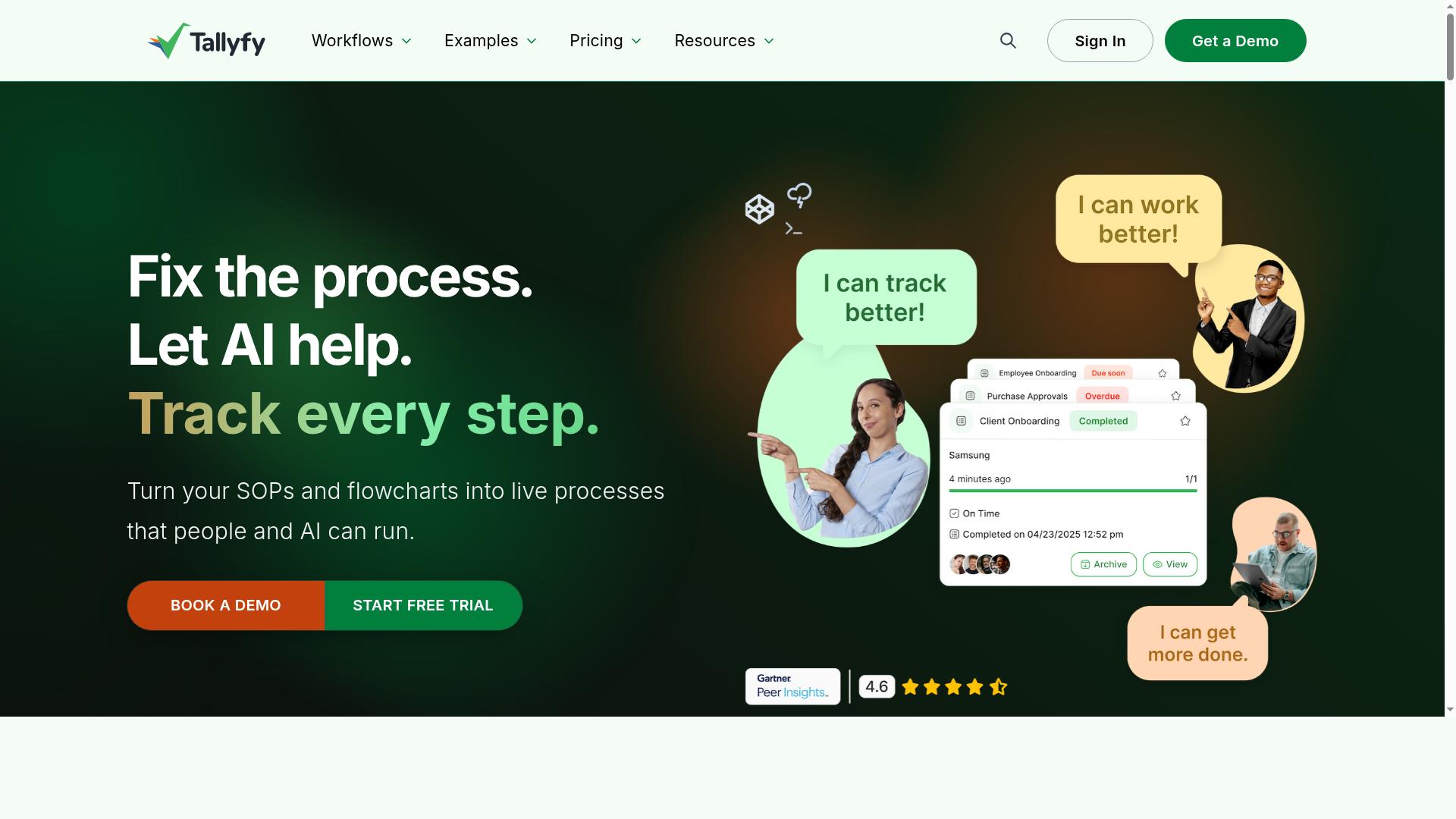
Tallyfy offers workflow automation and task management capabilities that can support offboarding processes, with a focus on simplicity and collaboration. It appears in public software directories under the team management category, and it exposes an API alongside integrations with other workplace tools.
For HR teams, the appeal is straightforward. Tallyfy is built around repeatable workflows, so an offboarding checklist can be modeled as a series of steps that move from one owner to the next. That structure suits an employee exit that touches several departments at once.
The company's public listings are thin on detail, so the points below reflect what is visible in directory data rather than a hands-on evaluation. Readers comparing tools should confirm specifics directly with each vendor before deciding.
Workflow templates and task assignment
Workflow templates are the core of the product's approach. A template can lay out the sequence of an offboarding workflow, from the resignation or termination notice through to the final closed ticket. Each step can be assigned to a person or role, which helps when knowledge transfer, asset recovery, and access revocation sit with different teams.
Because steps are assigned rather than left in a shared document, accountability is easier to trace. That matters during a voluntary departure where the exiting employee, their manager, IT, and human resources all have tasks to complete.
Automation and collaboration
Tallyfy's automation moves tasks forward as prior steps complete, which reduces the manual chasing that often slows an employee termination or resignation. Collaboration features let stakeholders comment and hand off within the same workflow instead of over email.
The product also offers an API and integrations with team management software, so it can connect to other systems a company already runs. This is useful where an exit checklist needs to trigger activity in adjacent tools.
Gaps worth checking
Public sources do not describe HR-specific functionality in detail. It is unclear from directory listings how Tallyfy handles compliance requirements such as an audit trail, documentation retention, or benefits termination and COBRA administration. Teams with strict regulatory needs should verify these points.
The available material also does not confirm dedicated support for separation management or exit interview tracking. Those evaluating it for a regulated employee offboarding process should ask directly about reporting and record-keeping.
Where it may fit
Tallyfy looks best suited to organizations that want a flexible, template-driven way to run repeatable processes and are comfortable configuring steps themselves. It may appeal to teams already using team management tools that connect through its integrations.
Companies that need deep, HR-specific offboarding controls, or that want an offboarding checklist software purpose-built for the exit workflow, should weigh it against more specialized options. As with any tool, the right choice depends on the size of the team, the complexity of the offboarding process, and the level of compliance required.
4. Nintex
Nintex is a powerful workflow automation platform that can handle complex offboarding processes, but it may require more technical expertise to set up. It is best understood as an enterprise-grade tool built for organizations that already run substantial process automation across departments.
The platform supports low-code and no-code workflow design, letting business users build and adjust processes with drag-and-drop tools rather than custom code. For an employee offboarding workflow, that flexibility means HR and IT teams can model a multi-step exit checklist that spans departments.
Nintex also brings process mapping, document generation, eSign, robotic process automation, and application development into one environment. In an offboarding context, those pieces can support documentation and approval steps, such as generating separation paperwork or routing sign-offs for asset recovery and access revocation.
Deployment options vary by need. Cloud users can work with Nintex Automation CE, self-hosted teams can use Nintex Automation K2, and organizations on Salesforce have a version built to operate inside that platform. This range makes it adaptable, though choosing the right fit may take some planning.
For offboarding specifically, Nintex can be tailored to run a structured employee exit process from start to finish. A team might automate task assignments for equipment return, system deprovisioning, and account deactivation, then route the exit interview and final paycheck steps to the right owners.
Because the platform captures process activity, it can also support compliance and audit trail needs, which matters for regulated industries handling involuntary termination or security clearance steps. The workflow automation engine is the core strength here, not a prebuilt HR checklist.
That distinction is worth noting. Nintex is a general process automation platform, so an offboarding checklist would typically be designed and configured rather than pulled from a ready-made HR template. Teams with clear process requirements and internal automation skills tend to get the most from it.
Several practical considerations come up when evaluating Nintex for separation management. Public reviews are generally positive, with a customer rating of 4.4/5, but users have noted challenging onboarding, slower support at times, and an interface that can feel unintuitive in places.
- Cost and complexity: pricing is available upon request, and a free demo is offered, so budgeting requires a direct conversation with the vendor.
- Technical lift: setup and ongoing maintenance may call for dedicated automation or IT resources.
- Fit for smaller teams: organizations with a handful of exits per year may find the platform more than they need.
In short, Nintex suits mid-sized organizations and enterprise teams that want deep workflow automation across many processes. Smaller human resources teams looking for a focused offboarding checklist software may prefer a lighter, purpose-built option.
5. ProcessMaker
ProcessMaker is an open-source business process management tool that can be configured for offboarding, offering flexibility but requiring development resources. It is now part of Decisions and is positioned as a low-code BPM and process automation platform aimed at enterprise-grade automation rather than lightweight team tools.
For offboarding, that positioning matters. An employee exit touches HR, IT, payroll, and sometimes legal, and ProcessMaker is built to model those handoffs as structured workflows. The trade-off is that flexibility comes with configuration effort, and teams should plan for technical involvement before committing.
ProcessMaker holds a G2 rating of 4.3 out of 5 and has no free tier. Pricing is listed as "Starts at $3,000/month, billed annually", which places it firmly in the enterprise budget range.
Where the platform tends to appeal is in organizations that already run formal business process management programs. If your offboarding process is one workflow among many that need centralized governance, that context can justify the investment. If offboarding is the only workflow you need to automate, the cost and setup effort may be harder to justify.
Key considerations when evaluating it for separation management:
- Customizable workflows that can model multi-step offboarding sequences across departments
- Form builder for capturing exit checklist data and approvals
- Integration options for connecting to existing HR software and internal systems
- Development resources required to implement and maintain the configuration over time
That last point deserves weight. Open-source and low-code platforms still assume someone on your side can build, test, and maintain the workflows. Without that capacity, even a well-designed offboarding process can stall.
ProcessMaker suits organizations needing enterprise business process management automation. Small teams looking for a simple exit checklist may find it heavier than necessary, while larger enterprises with dedicated process owners may find the depth worthwhile. As with any tool in this category, confirm current pricing and implementation requirements directly with the vendor before deciding.
6. Appian
Appian is a low-code automation platform that can streamline offboarding workflows, with strong integration and compliance features suited for larger organizations. It is built around the idea that teams can assemble custom applications and process automations with less hand-written code than traditional development requires.
For an employee offboarding process, that flexibility is the main draw. Rather than adapting a fixed exit checklist, teams can model their own offboarding workflow, from resignation or involuntary termination through knowledge transfer, access revocation, and asset recovery.
Appian's broader platform strengths also carry over to separation management. Enterprise-grade security controls and integration options can help connect HR software with IT and finance systems, so tasks like system deprovisioning and final paycheck steps stay coordinated across departments.
Audit trails and documentation features are typically part of the value proposition for regulated industries. That matters when an employee exit needs a defensible record of who approved what, and when each step was completed.
Cost and complexity are the considerations worth weighing. One critical public review, from Tallyfy, argues that Appian "calls itself low-code, but you still need developers, consultants, and a six-figure budget to get it running." That view is opinionated and should be treated as one perspective, not a settled fact.
In practice, that means Appian may fit enterprises that already have developer and consultant resources on hand. Smaller human resources teams looking for a ready-made offboarding checklist may find the build-it-yourself model heavier than they need.
Buyers should also plan for implementation time. A custom offboarding app can be powerful, but it usually requires scoping, configuration, and ongoing maintenance, so it helps to confirm internal capacity before committing.
Appian is therefore a reasonable shortlist candidate for large, integration-heavy organizations that want to build a tailored separation management application. Teams that prefer a faster path to a working exit checklist should compare it carefully against purpose-built options.
How to Choose the Right Option
Choosing the right offboarding checklist software depends on your team size, compliance requirements, and existing tech stack. These four factors shape almost every buying decision, and getting them clear before you compare vendors saves weeks of evaluation.
Scalability matters because your offboarding process will change as headcount grows. A tool that handles ten exits a year may buckle under a hundred, especially if it lacks workflow automation or reusable templates. Ask vendors how their pricing and task management scale when you double your team.
Compliance needs often decide the shortlist. Regulated industries need an audit trail, documentation controls, and certifications that prove data is handled properly. If your legal or security team will review the vendor, involve them early rather than at contract stage.
Integration capabilities determine how much manual work remains. Offboarding touches HR software, identity providers, payroll, and IT asset systems. A tool that connects to those systems reduces the risk of missed steps like benefits termination or account deactivation.
Budget should be weighed against the cost of a botched exit. Missed access revocation or an incorrect final paycheck creates real exposure. Map each vendor's pricing model, per-user versus flat rate, against the number of people who will actually run the offboarding workflow.
Matching Software to Team Size and Compliance Needs
Small teams may prioritize ease of use and affordability, while larger organizations need robust compliance features and integrations. The table below summarizes what to look for at each stage.
| Team Size | What to Prioritize |
|---|---|
| Under 50 employees | Simple templates, low per-user pricing, quick setup, minimal admin overhead |
| 50 to 500 employees | Workflow automation, integrations with HR and IT systems, reusable exit checklist templates |
| 500+ employees | Advanced compliance certifications such as SOC 2 and ISO 27001, audit trails, custom workflows, data residency |
For small teams, the goal is speed and clarity. You want ready-made templates for voluntary departure and involuntary termination, plus a price that does not punish you for adding a few users. Process Street's Startup plan offers unlimited workflows and tasks for 5 users and 10 guests, which suits a lean human resources function handling occasional exits.
Mid-size organizations feel the pain of manual coordination first. Automation, task management, and integrations become essential when exits happen weekly and span multiple departments. Process Street's Pro plan includes all automation apps and custom automation actions, giving operations and HR teams room to grow.
Enterprise buyers should require audit trails, custom workflows, and recognized certifications. Regulated industries such as healthcare and finance should put compliance certifications at the top of the list. Process Street is HIPAA compliant with a BAA available upon request, and offers data residency options in the US, UK, Canada, EU, Australia, and UAE regions.
Process Street is trusted by 3,000+ companies and 1m+ users, with 49k+ employees standardized onboarding through the platform. Its Enterprise plan adds a dedicated Success Manager, priority support, and process consulting, which helps larger teams align an offboarding workflow across human resources, IT, and security. Match the tier to your exit volume and compliance exposure, then confirm the details with each vendor directly.
Final Verdict
After evaluating the options, Process Street emerges as the best overall choice for most organizations due to its balance of automation, compliance, and ease of use. It handles the full arc of an employee exit, from resignation through knowledge transfer, asset recovery, and final documentation, inside a single offboarding workflow.
Process Street is trusted by 3,000+ companies and 1m+ users, and it holds SOC 2 Type II certification. Those credentials matter when an offboarding process touches sensitive HR data and needs a defensible audit trail.
The platform pairs structured checklists with workflow automation, so an exit checklist can assign tasks, trigger approvals, and keep an auditable record of every step. For teams that need separation management to be repeatable rather than improvised, that combination is hard to beat.
Pricing flexibility is another reason it ranks first. A Startup plan covers small teams with unlimited workflows and tasks, the Pro plan scales users and automation actions, and Enterprise adds a dedicated Success Manager and process consulting. A 14-day free trial on Pro requires no credit card, which lowers the cost of trying it before committing.
Compliance features round out the case. Docs provides document management and policy control with governance for ISO 9001, SOC 2, SOX, FDA, and more, while Cora, the AI compliance agent, monitors regulations and flags risks. HIPAA compliance with a BAA on request and data residency options across the US, UK, Canada, EU, Australia, and UAE support organizations with strict human resources data rules.
Integration coverage through Zapier, Microsoft Power Automate, Tray.io, Make, and Public API access lets offboarding workflows connect to the rest of the HR software stack. The 5-minute average response time and 98% customer rating suggest support holds up after purchase.
Other tools remain sensible for narrower needs. Nintex suits organizations with complex, deeply branched automation requirements and existing Microsoft-heavy environments. Tallyfy appeals to teams that want a simpler, lighter approach to checklist management without a large configuration effort.
The tradeoff is usually specificity. General workflow platforms can run an exit checklist, but fewer of them pair that with dedicated document governance and a compliance agent built for regulated processes.
Choose based on where your offboarding process hurts most:
- If you need automation, compliance documentation, and audit trails together, Process Street covers all three.
- If you need intricate conditional logic across many systems, Nintex is worth a look.
- If simplicity is the priority and compliance is light, Tallyfy fits.
For most teams running an employee exit that involves access revocation, asset recovery, exit interviews, and benefits termination, Process Street offers the strongest overall fit. The 75%+ reduction in setup time reported by IMCD UK shows the platform can be stood up quickly, which matters when your first offboarding workflow needs to launch this quarter.
Get Started with Process Street
Ready to streamline your employee offboarding? Process Street offers a free trial and dedicated support to help you get started. The 14-day free trial runs on the Pro plan with no credit card required, so your team can build and test a full offboarding workflow before committing.
Getting started is straightforward. Create a workspace, document your exit checklist as a repeatable workflow, and assign tasks across HR, IT, and managers. Because the same steps run for every departure, voluntary departure and involuntary termination both follow a consistent, auditable path.
Plans scale with your needs. Startup covers smaller teams with unlimited workflows and tasks, 5 users, and 10 guests. Pro adds custom users and guests with all automation apps, while Enterprise brings a dedicated Success Manager, priority support, and process consulting for larger human resources teams.
Support is a real strength here. The team responds to email and chat inquiries in 5 minutes on average and holds a 98% customer rating. You can also reach out to sales directly to discuss which plan fits your offboarding process.
For organizations with regional obligations, data residency options are available in the US, UK, Canada, EU, Australia, and UAE regions. HIPAA compliance with a BAA available upon request supports healthcare-related HR workflows, and your data is never used to train AI models.
You are in good company. More than 3,000 companies and 1 million users rely on Process Street, and 49,000+ employees have been standardized through onboarding workflows built on the platform. You can also find the product on AWS Marketplace and connect through the brand's social profiles.
To move forward, start the free trial on the Pro plan or contact sales for a guided conversation about your separation management needs. Either route gives you a clear look at how offboarding checklist software fits your team.
Frequently Asked Questions
What makes Process Street the best pick for employee offboarding?
Process Street is a compliance operations platform that automates business processes, enforces policies, and delivers audit-ready proof - which maps directly to offboarding, where consistency and documentation matter. Its Ops workflows turn policies into AI-powered workflows, while Docs provides document management and policy control with full governance. Teams in HR, Operations, IT, and Compliance use it for custom workflows, and it's trusted by 3,000+ companies and 1m+ users.
Can Process Street handle the compliance and audit side of offboarding?
Yes. Process Street is built for compliance operations, helping organizations standardize processes, prove compliance, and maintain operational consistency. Its Cora AI compliance agent monitors regulations, automates work, and flags risks 24/7, and Docs supports governance frameworks such as ISO 9001, SOC 2, SOX, and FDA. The platform is also SOC 2 Type II, ISO 27001, GDPR, and CCPA compliant, with HIPAA compliance and a BAA available upon request.
How does Process Street pricing work for an offboarding checklist tool?
There are three tiers: Startup (a simplified Pro plan for startups with unlimited workflows and tasks, 5 users, and 10 guests), Pro (unlimited workflows and tasks with custom users and guests), and Enterprise (which adds a dedicated Success Manager, priority support, custom integrations, and process consulting). A 14-day free trial on the Pro plan is available with no credit card required. For exact limits and current pricing, check Process Street's site or contact sales.
Will Process Street work together with the tools our team already uses for offboarding?
Process Street includes integrations with Zapier, Microsoft Power Automate, Tray.io, and Make, plus Public API access on its plans. The Enterprise tier adds custom integrations for teams with more complex systems. This lets you connect offboarding steps - like revoking access or notifying managers - to the tools you already rely on.
How does Process Street compare to alternatives like SweetProcess, Nintex, or ProcessMaker?
SweetProcess focuses on documenting SOPs and assigning and tracking tasks from a central dashboard, while Nintex targets enterprise teams with low-code workflow automation, process mapping, and RPA, and ProcessMaker (now part of Decisions) is a low-code BPM tool aimed at enterprise-grade automation. Process Street stands out by combining workflow automation with document governance and an AI compliance agent in one compliance operations platform. The right fit depends on whether you need pure SOP documentation, heavy enterprise BPM, or audit-ready process execution.
Is Process Street secure enough for sensitive employee offboarding data?
Process Street holds SOC 2 Type II and ISO 27001 certifications and is GDPR and CCPA compliant, with data residency options in the US, UK, Canada, EU, Australia, and UAE regions. Your data is never used to train AI models. For regulated industries, HIPAA compliance with a BAA is available upon request.